Once operator is certified by RedHat, it is made available on OperatorHub on all RedHat OpenShift container plaform.
On OpenShift platform, logon with credentials that has privileges to install operator. Click on OperatorHub on menu item under Operators and type filter keyword "Fujitsu Enterprise Postgres Operator" to find Fujitsu Enterprise Postgres Operator.
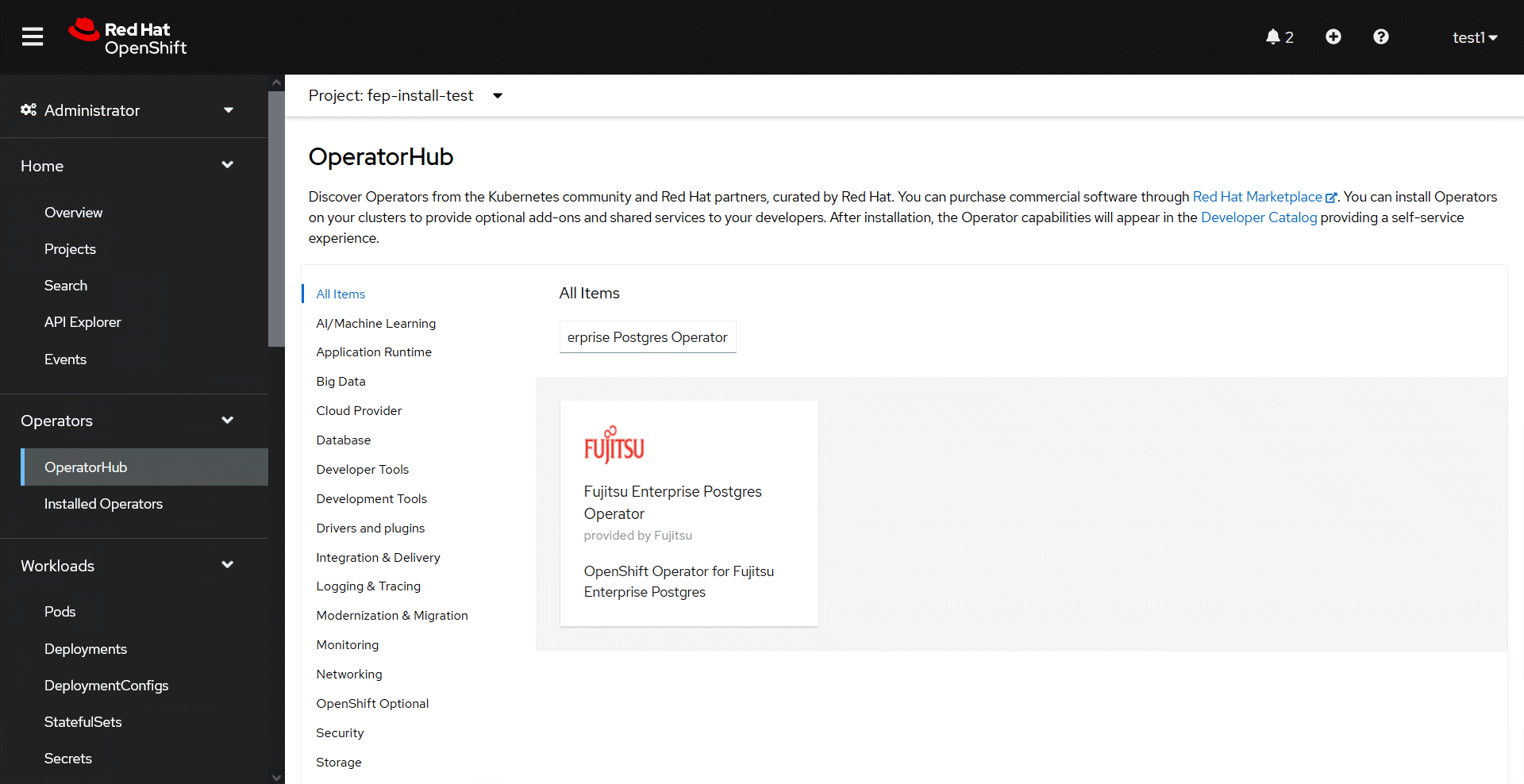
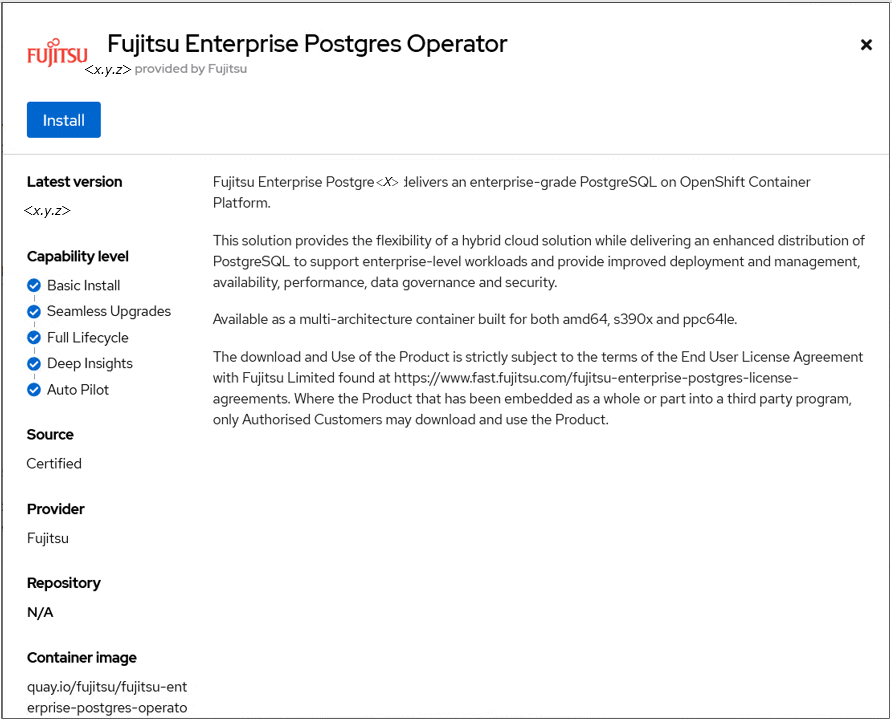
Click on Fujitsu Enterprise Postgres Operator to install operator. It will bring up details page with install button as below.
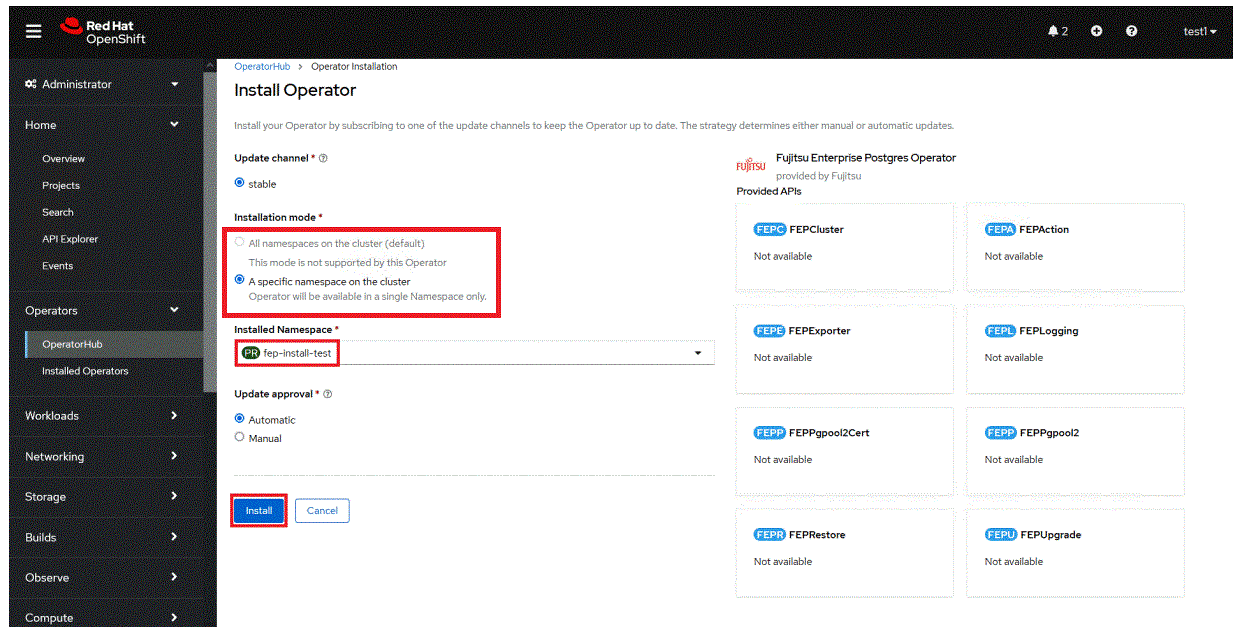
Click on "Install" button, to bring up following screen to choose namespace and approval strategy. For NamespaceScope Operators, select "A specific namespace on the cluster" and choose the desired namespace. For ClusterScope Operators, select "All namespaces on the cluster (default)". Leave everything else to default and click install.
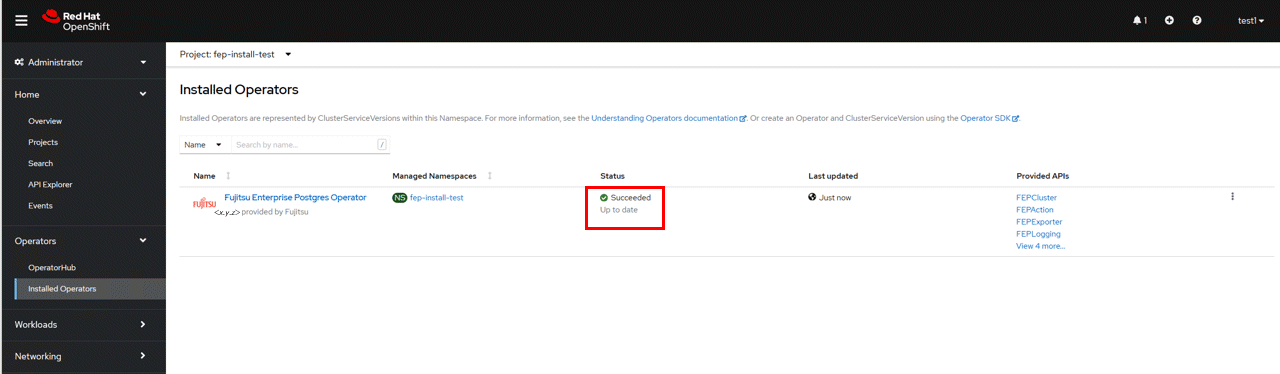
Wait still installation is complete and status changes to "Succeeded".